Turn Canva from a frustrating struggle bus into your own shortcut Canva library.
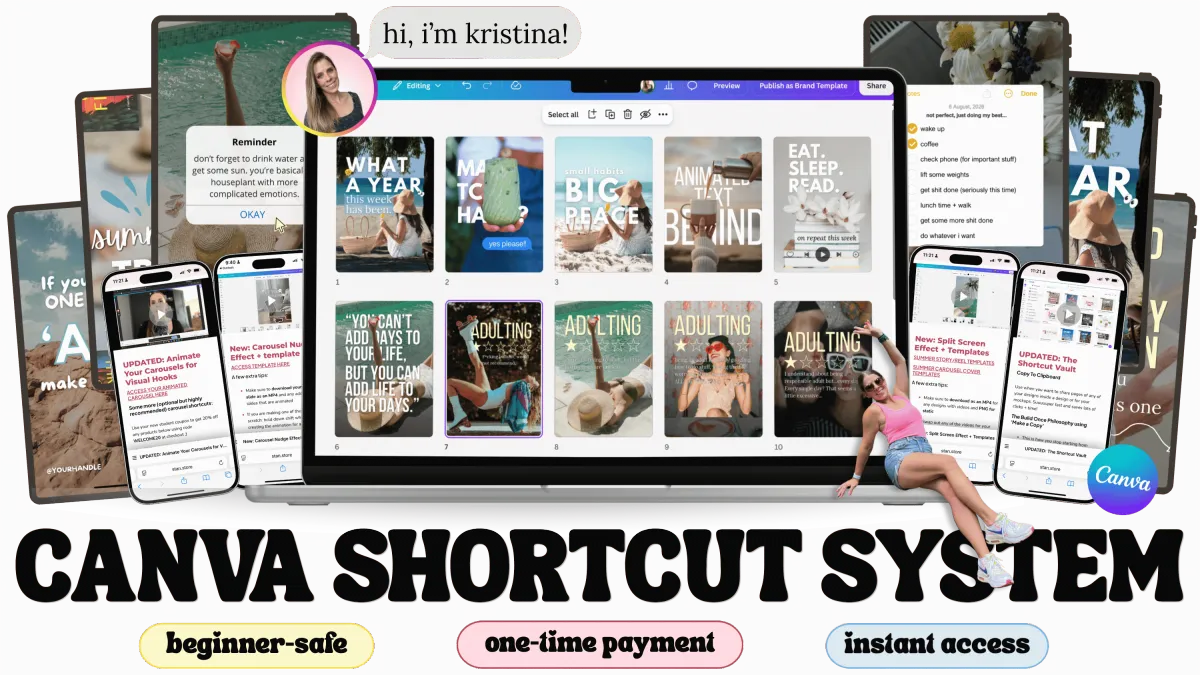
steal my step-by-step Canva playbook and build your own Canva library instead of guessing your way through Canva every single time.
No design background or fancy tech skills required.
DOES THIS SOUND FAMILIAR?
you open Canva with a good idea and immediately feel overwhelmed by everything it can do. too many tools, too many options, and somehow you still don't know where to start.
you've saved templates. you've bookmarked tutorials. you still spend way too long trying to design something that doesn't come out looking like a Vegas Marquee.
it's not that you're bad at this. it's that nobody showed you where anything is, or how to move fast once you know.
you've been on the Canva struggle bus. this is your off-ramp.
Hi. I made this for you.
I built this because I couldn't find it anywhere else.
This is for you if:
you open Canva and immediately feel a little lost, like everyone else got a manual you never got
you're overwhelmed by options and just want to know where to actually start
you've saved 47 tutorials. opened maybe 3.
you've designed something and thought "why does this look like a Vegas Marquee" (we've all been there)
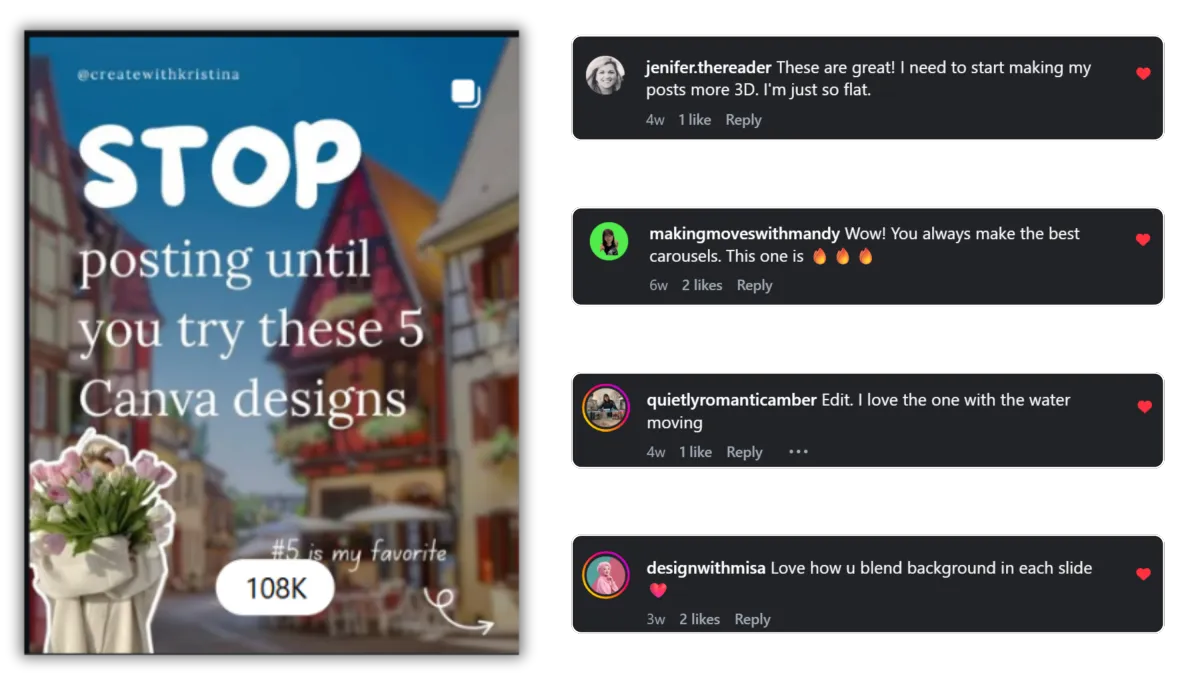
your designs feel flat when you know they could be scroll-stopping
"I'll figure it out eventually" is basically your Canva love language at this point
if even one of those made you go "...okay rude", that's my people. that's who this is for.
Imagine this...
You open Canva and instead of:
❌ staring at a blank screen
❌ second-guessing every design
❌ rearranging things over and over
...you already know exactly what to create.
Your design is done in minutes.
It actually looks good.
And it's ready to post (or sell).
If you've been saving my posts...but still opening Canva like 👀 'what am I even making?'
It's not a motivational problem...
you just don't have a system to follow yet.
HERE'S HOW IT ACTUALLY WORKS
Embarrassingly Simple...
✅ Step 1 — Watch the lesson.
bite-sized, focused and actually useful
✅ Step 2 — Open the template.
no starting from scratch. Ever.
✅ Step 3 — Make the thing.
Post it. Close the tab feeling unreasonably proud of yourself.
✅ Step 4 — Come back and do it again.
Except this time it takes half as long because now you know the system.
No more saving tutorials hoping future-you will remember them. Future-you never remembers them. We both know this. 😅
it's that simple, and it's the difference between learning Canva and actually having a library you keep coming back to.
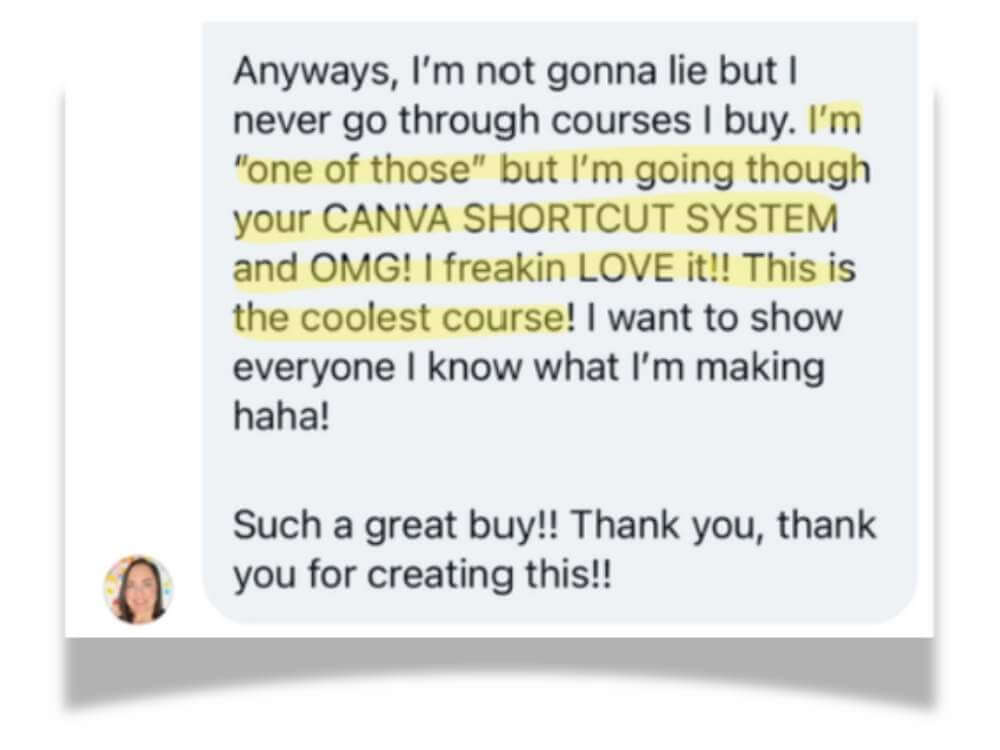
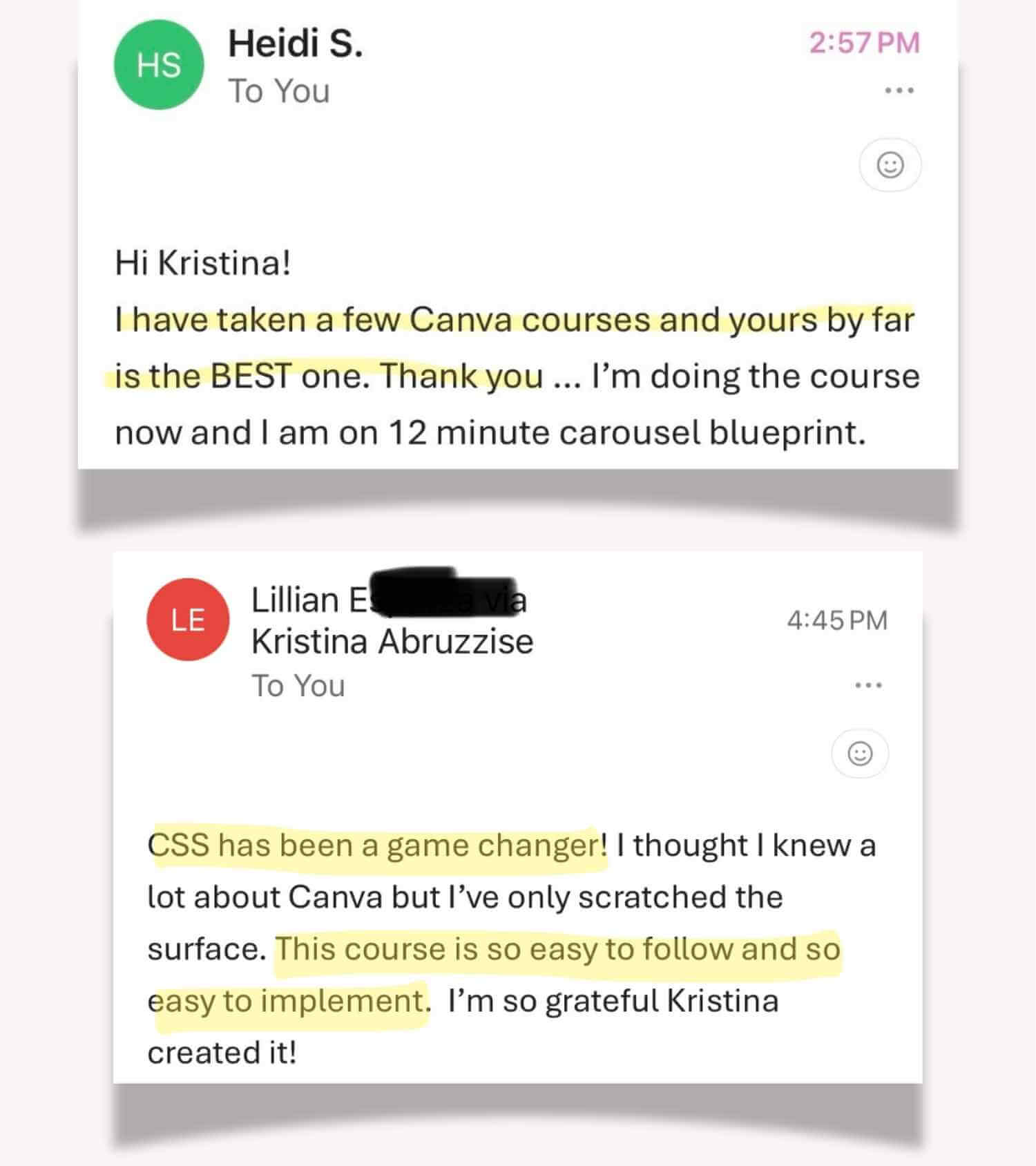
Here's what people say once they're inside 👇
If you want Canva to feel stupid simple and fast...this shows you exactly what to click (and what to ignore)
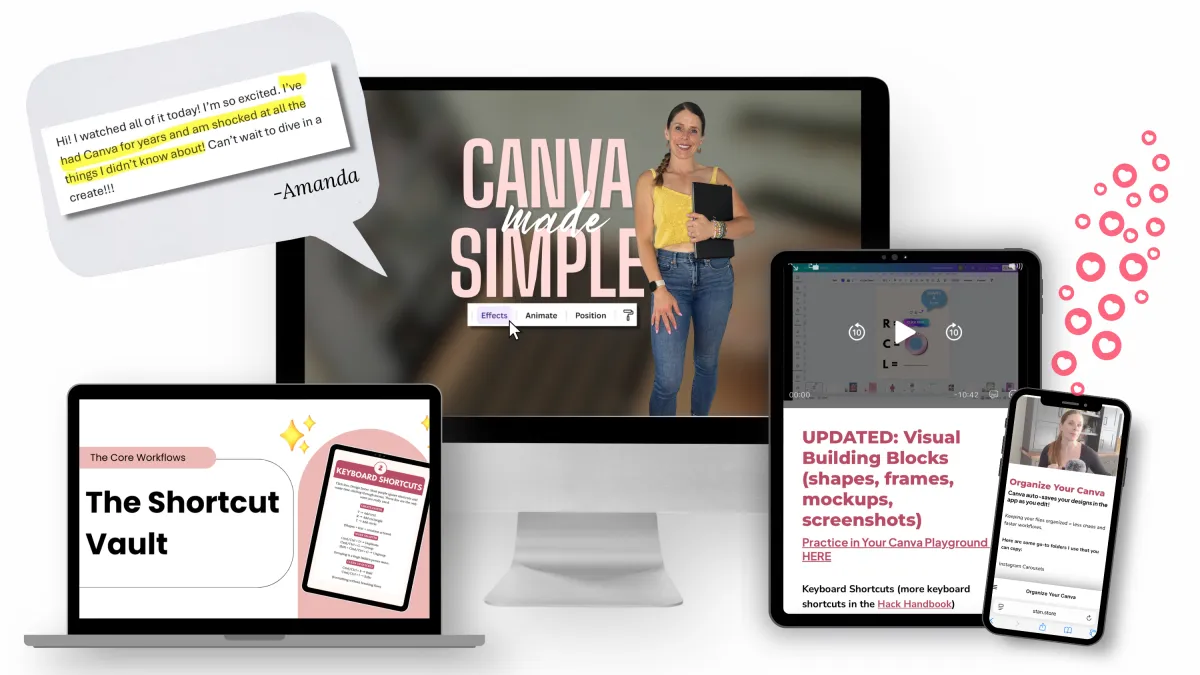
Canva Made Simple System
If you want scroll stopping posts without starting from scratch...this breaks down 9 proven designs you can use in minutes
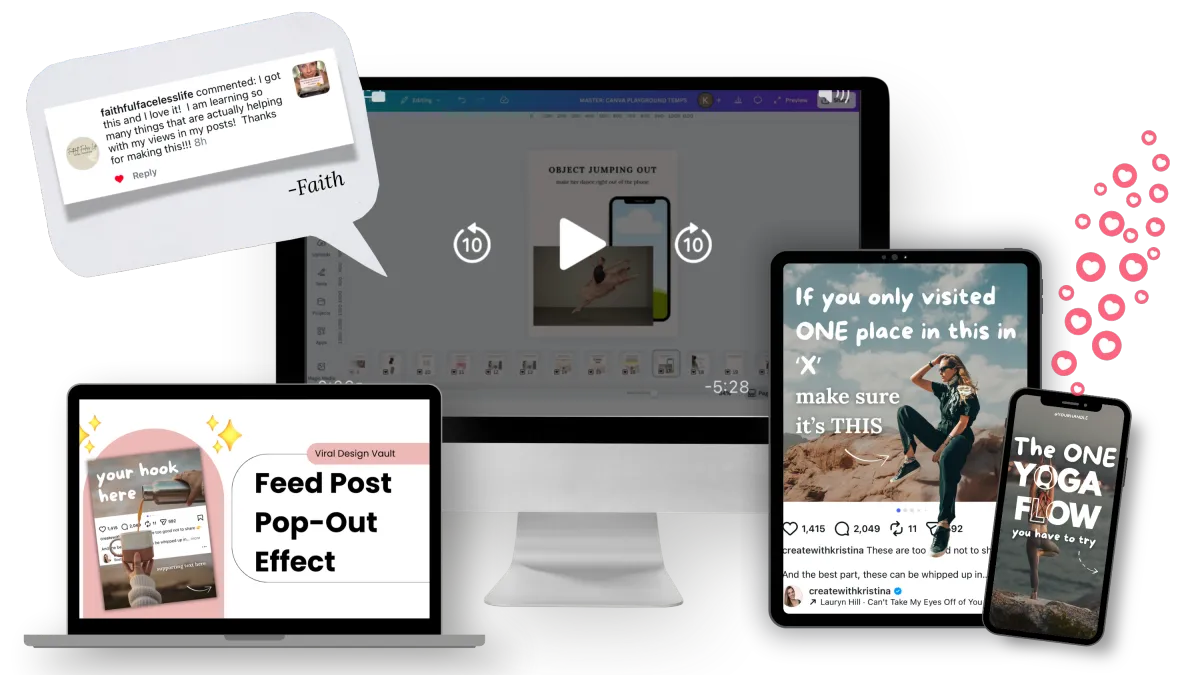
The 'Viral Look' System
If you need faster carousels... this gives you 3 repeatable styles the algorithm (and actual humans) love
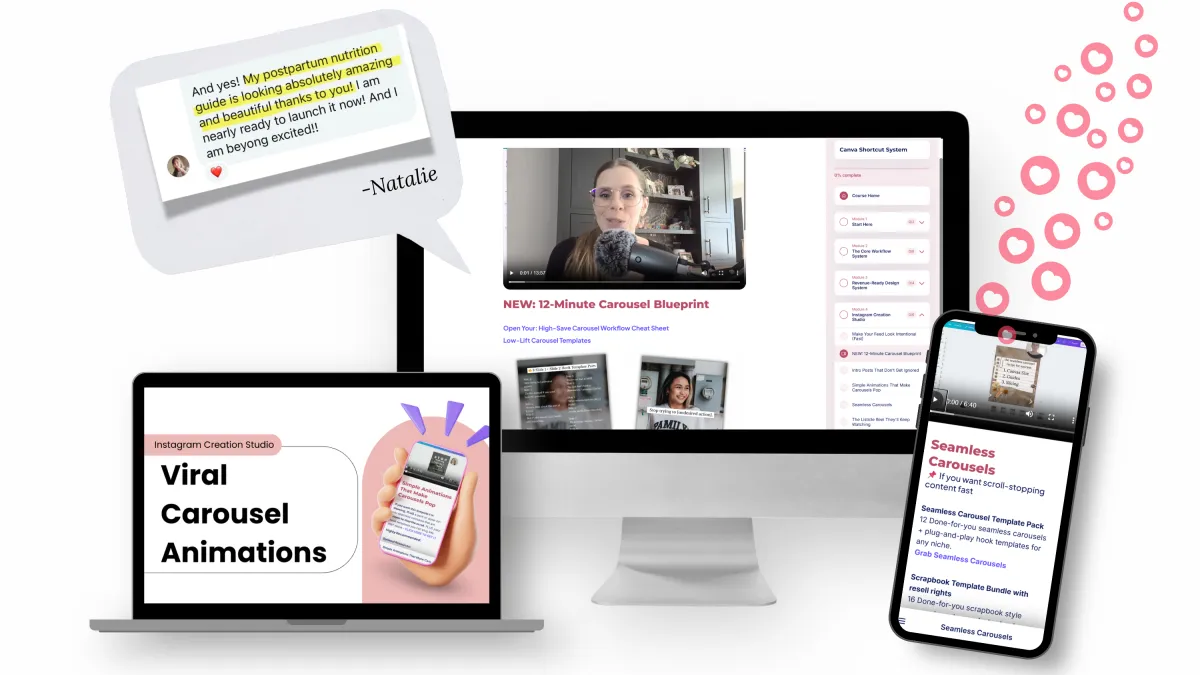
The 'Carousel Shortcut' System
If you want to create a digital product, this shows you how to turn ideas into something you can actually sell without spending weeks stuck in Canva
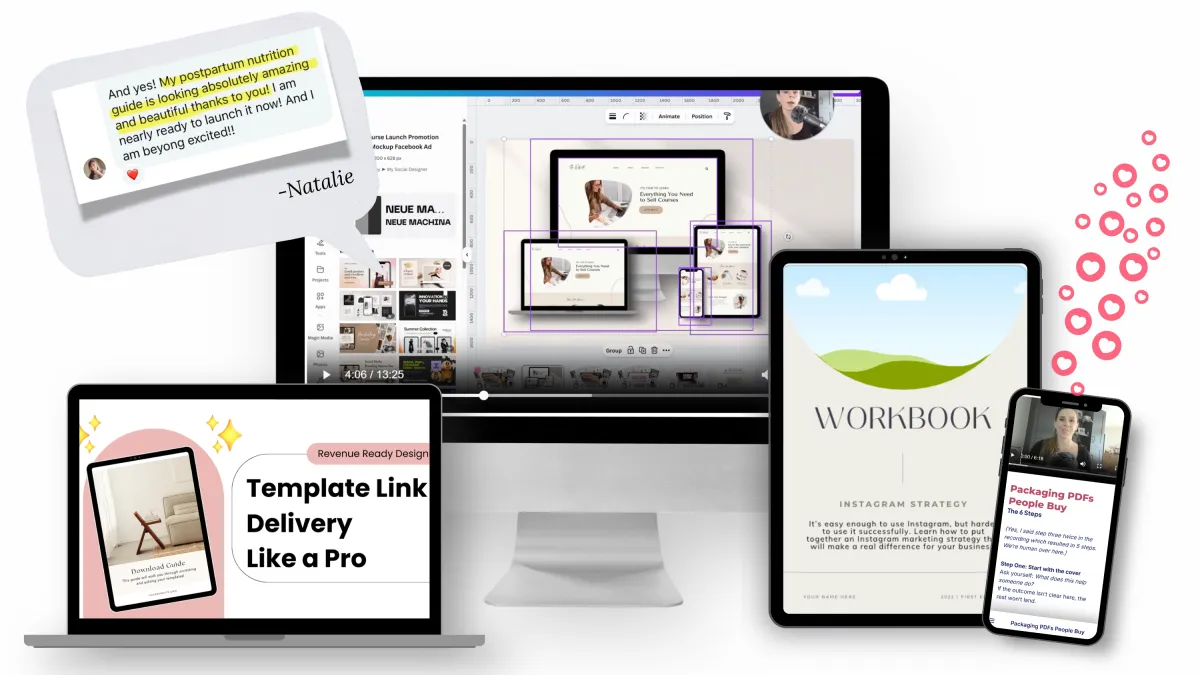
The 'Product Builder' System
WHAT'S IN YOUR LIBRARY
✔️ Canva Made Simple — $67 value
the foundation. the shortcuts and the ins-and-outs so you stop feeling slow, useless, and overwhelmed.
✔️ The Viral Look Studio — $97 value
15 viral effect walkthroughs, plug-and-play templates included. no more guessing what's trending or duct-taping tutorials together. this is where your feed gets scroll-stoppy.
✔️ Create It, Edit It, Post It — $67 value
the 3 carousel styles the algorithm and actual humans love. simple, animated, seamless, all covered. no more fighting the Instagram editor.
✔️ Product Builder Lab — $47 value
PDFs, lead magnets, promo graphics, made to look worth every penny before anyone even reads what's inside
AND THESE BONSUES TO KEEP YOU MOVING FAST
🎁 200+ Plug-and-Play Templates — $97 value
open, swap, post. never a blank page again.
🎁 Your Creative Corner Community - $197 value
the internet can be a lonely place when you're learning something new. inside, you're not figuring it out alone. and every Tuesday, I drop something exclusive, new templates, trending edits, a Canva challenge.
🎁 Canva Hack Handbook + Playground — $37 value
your back-pocket cheat guide for every "wait, how do I..." moment, plus a practice zone to test things out before you commit to the real thing.
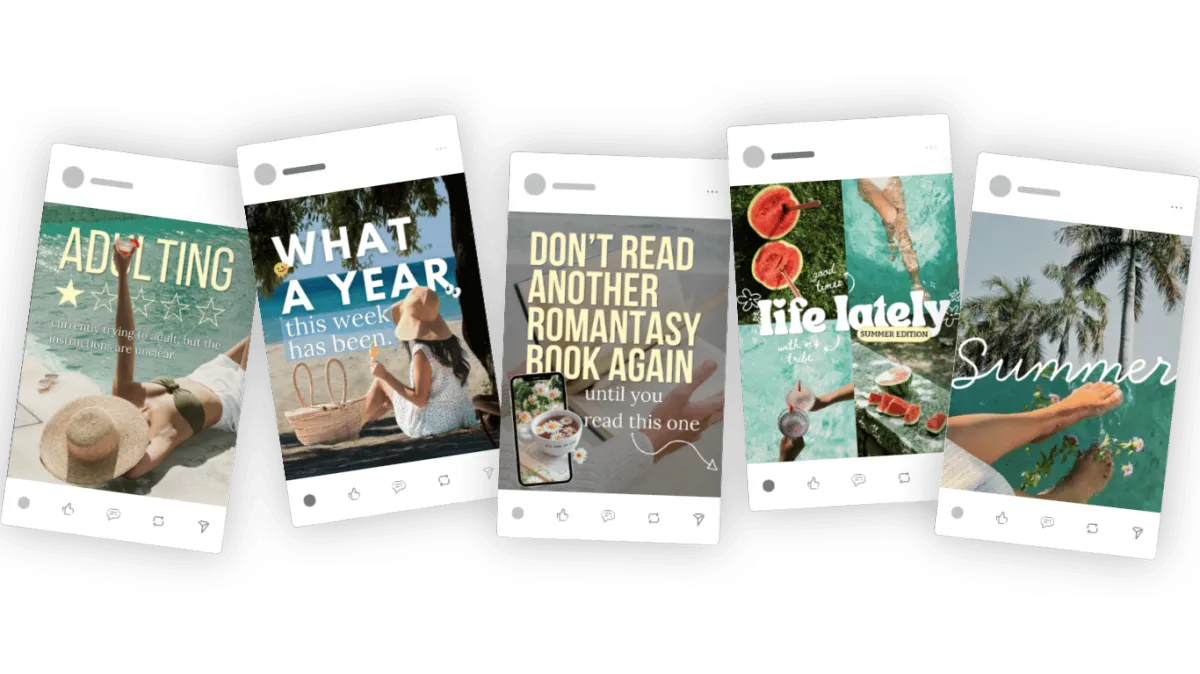
This is what it looks like when you start using this 👇
REGULAR PRICE $600+
PRICE $47
instant access. yours forever.
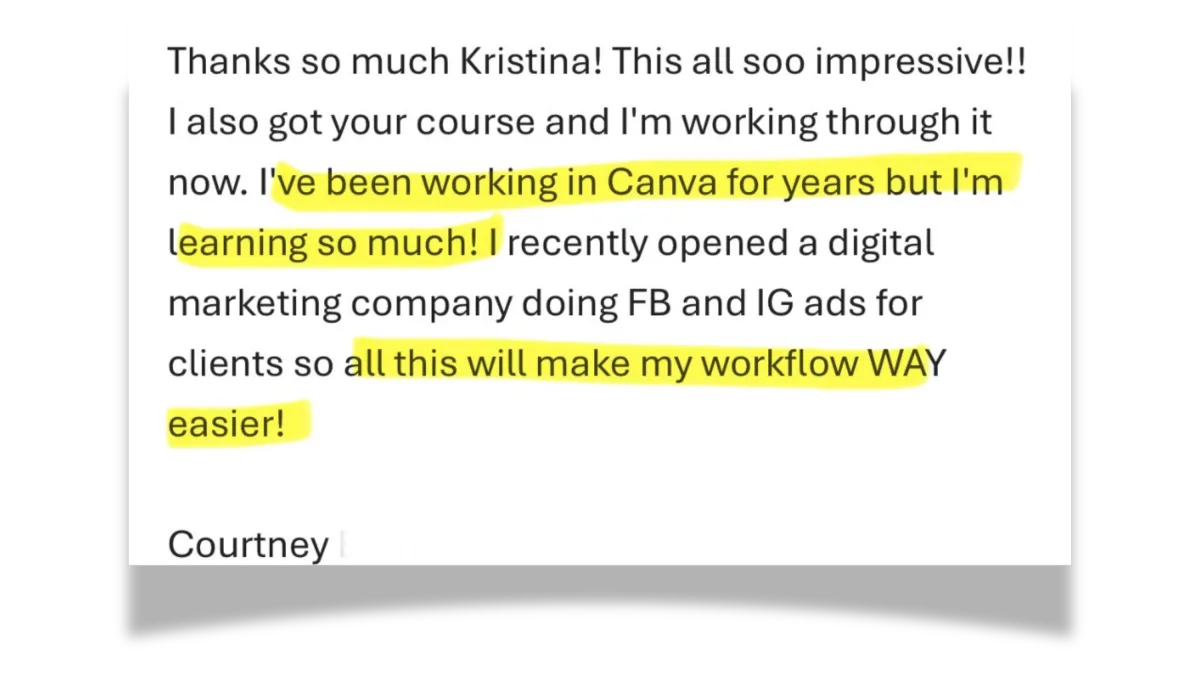
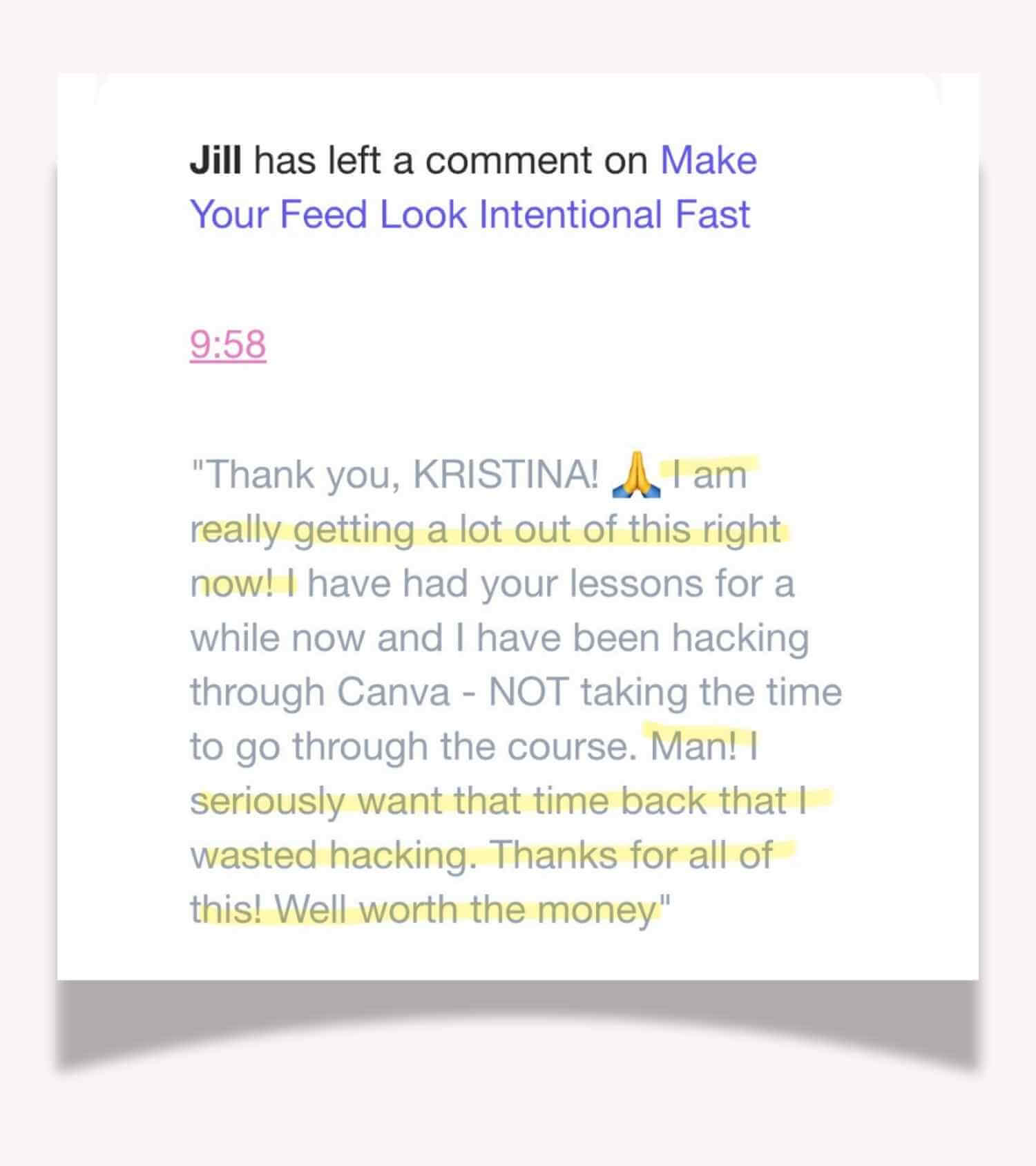
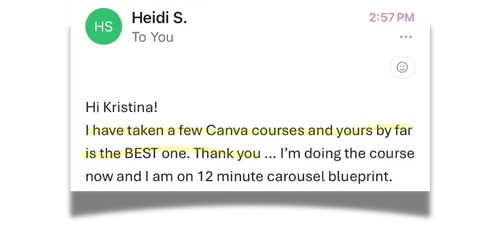
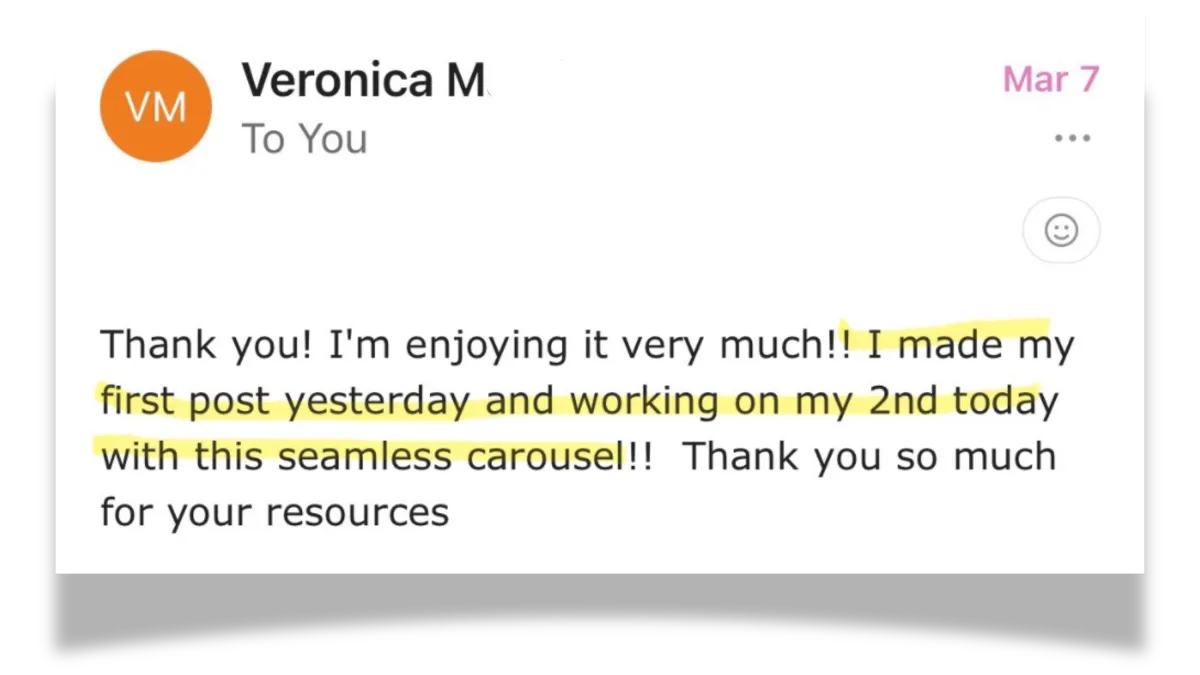
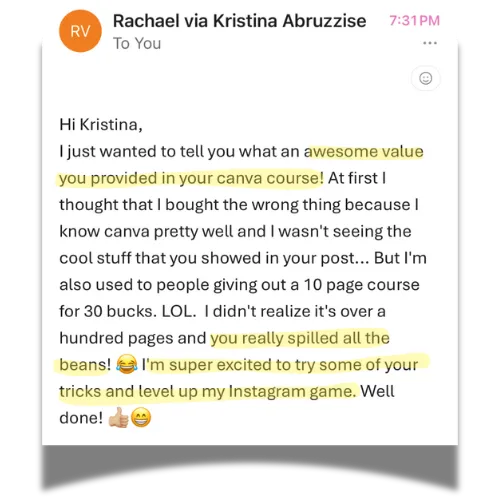
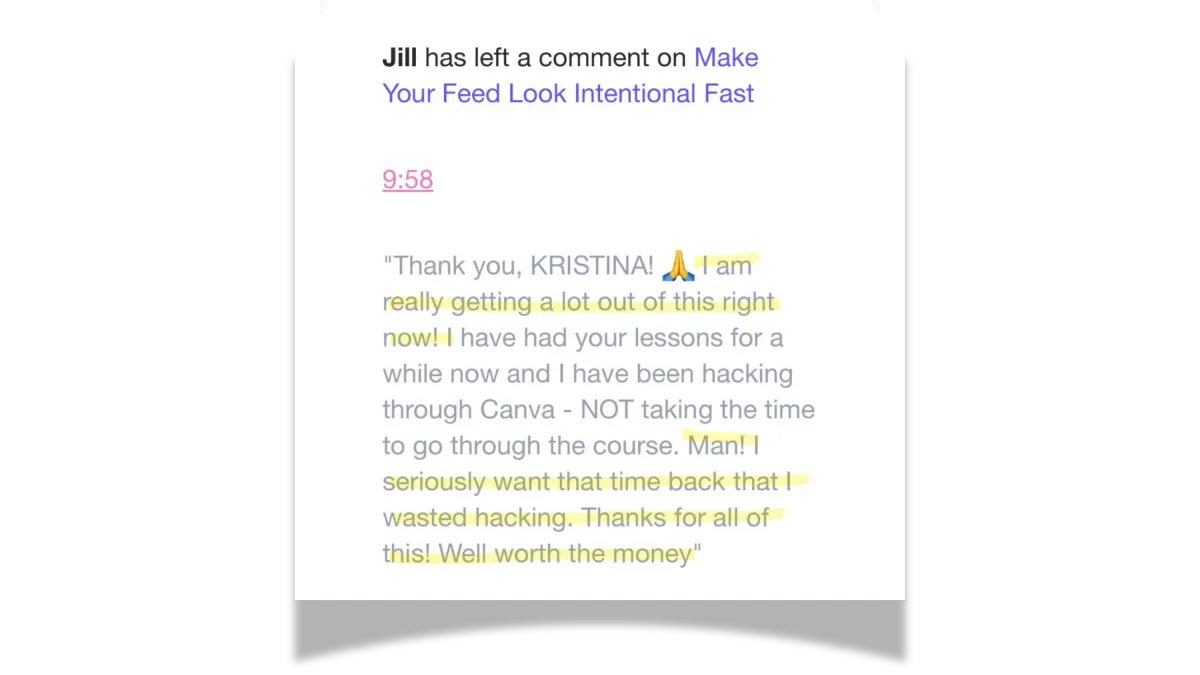
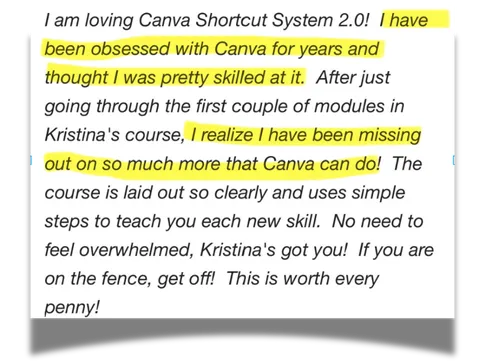
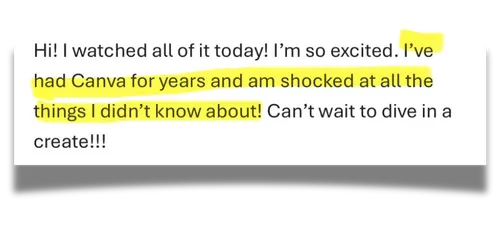
Here's what beginners & people who've been using Canva for years are saying.
(These made me do a happy dance in my kitchen)
The reason I built this
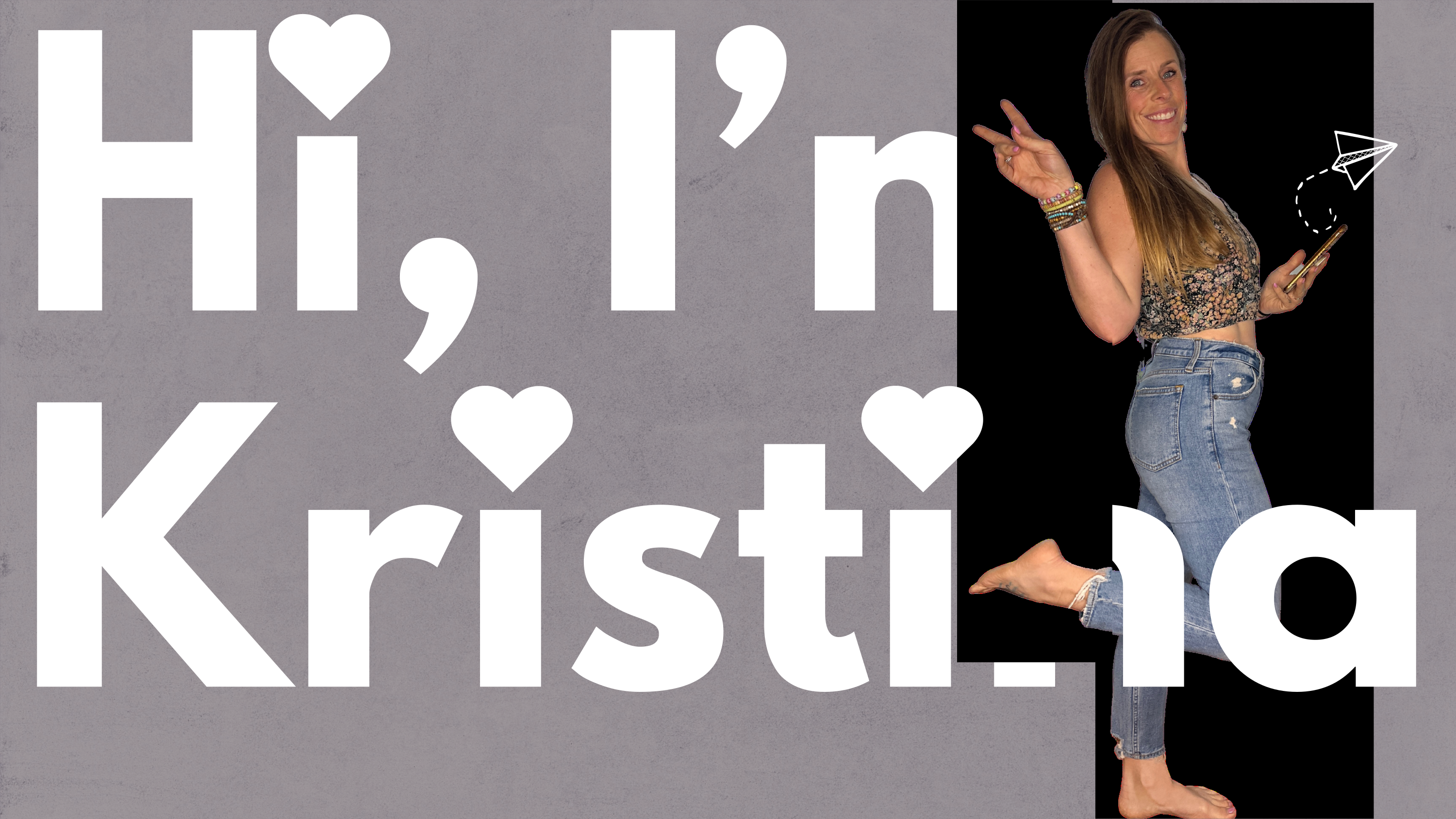
I didn't start as a designer. I started as a health coach who fell completely in love with Canva.
Four years and approximately one million hours of figuring it out later — I had a system. The kind where I could open Canva, make something I was excited about, and close the tab without wanting to throw my laptop.
I kept waiting for someone to make the right course. Not "learn every Canva feature." Not "here's a template pack, good luck."
Instead: "Here's exactly what to click and in what order so you can just FINISH THE THING."
Nobody made it. So I did.
1,100+ creators are now using it to get in, make the thing, and get out — without losing their whole afternoon to Canva.
Wait....I have questions👀
Is this beginner-friendly?
yes completely. every lesson starts from zero and builds as you go. you don't need any design experience. some of my best students had never made anything in Canva before they started.
Do I need Canva Pro?
No — but I’ll show you how to maximize both free and Pro features.
Is this just another Canva Crash Course?
Nope! Most Canva courses teach you everything Canva can do which is why people still feel stuck when they open it.
I'll show you what to actually create, how to do it fast and how to use it for content or products.
So instead of learning Canva...you're actually using it!
Is this Instagram-only?
Can be used for other platforms, but optimized for IG
How long do I have access?
forever. one-time payment, no subscription, no expiration. you also get lifetime updates as I keep adding new content, like I just did with the split screen and carousel nudge tutorials.
Ready to stop wondering how they made it, and start being the one who did?