EASTER FLASH SALE 30% OFF WITH CODE: EASTER2026
Create in Canva in minutes (not hours)
Even if you've opened Canva and thought..."what do I even make?"
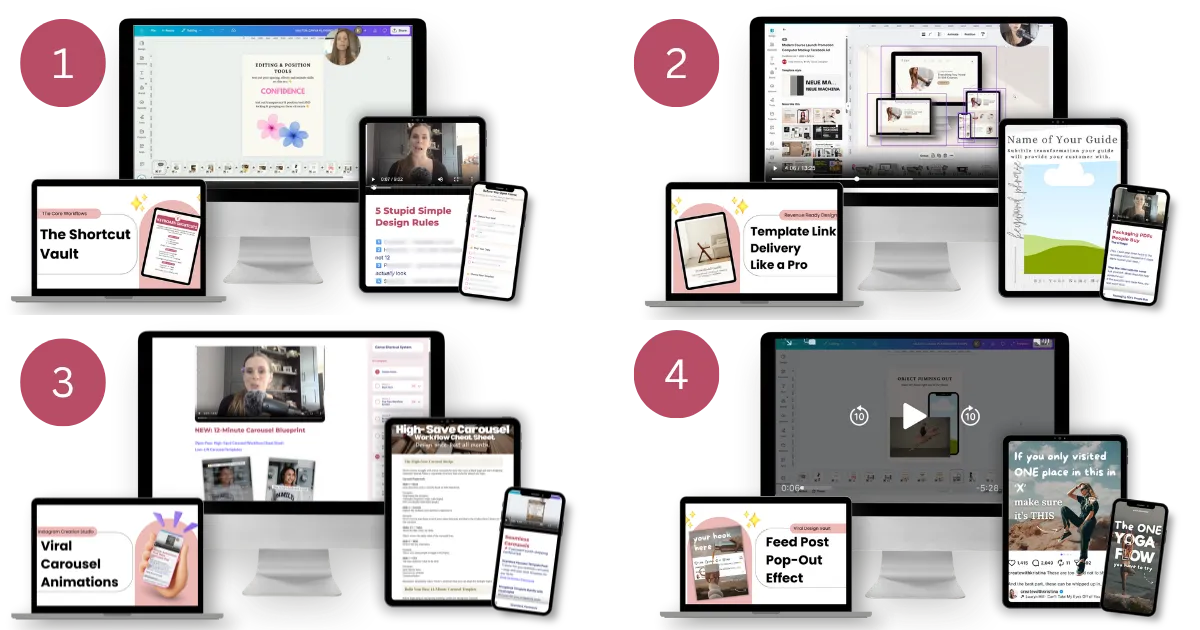
Steal my 4 Canva shortcuts to create carousels and digital products in minutes without overthinking every step or wasting hours figuring it out on your own
Watch ⇢ Follow along ⇢ Create in minutes
(using the included ready-to-use designs)
I used to spend HOURS in Canva trying to figure things out...until I found a faster way.
If you've been saving my Canva tutorials...
but still staring at a blank page when it's time to create 👀
That's not a motivation problem...you just don't have a system yet.
This is where everything finally clicks.
This bundle fixes...
Turning flat, boring carousels into scroll-stopping covers people actually read
Spending hours “trying things” → to knowing exactly what to create the second you open Canva
Piecing together your first digital product → to building it in a few focused hours
Saving posts for inspiration → to actually recreating and posting it the same day
...and so much more!
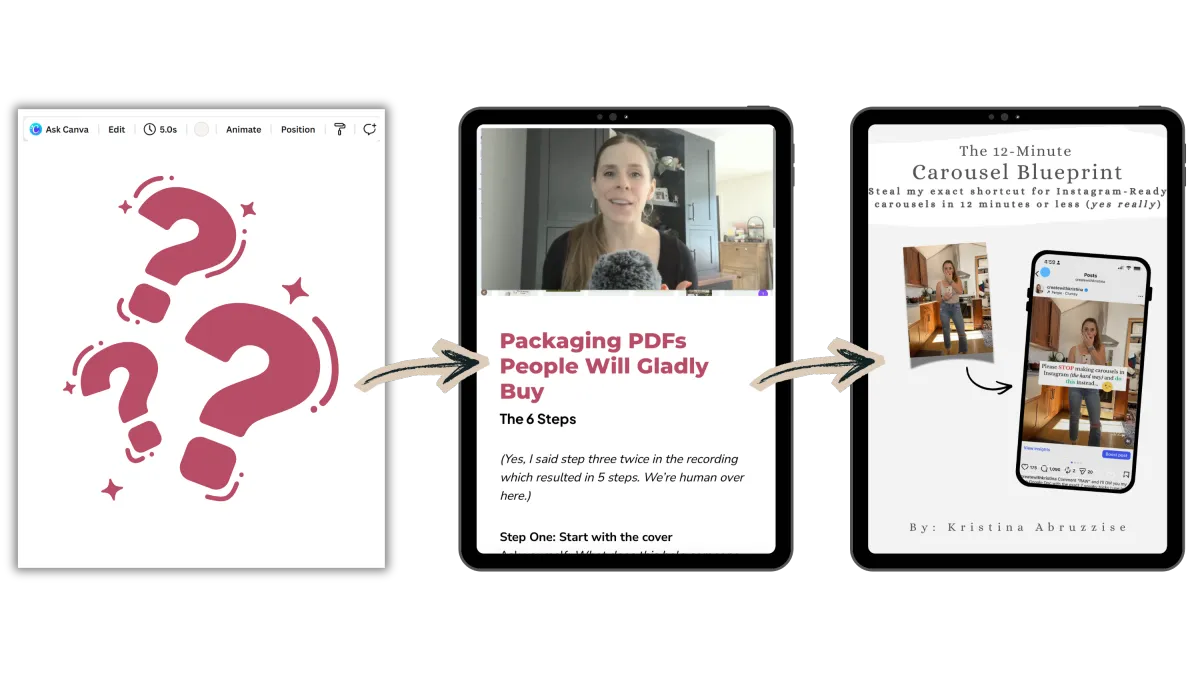
Let me show you how simple this actually is 👇
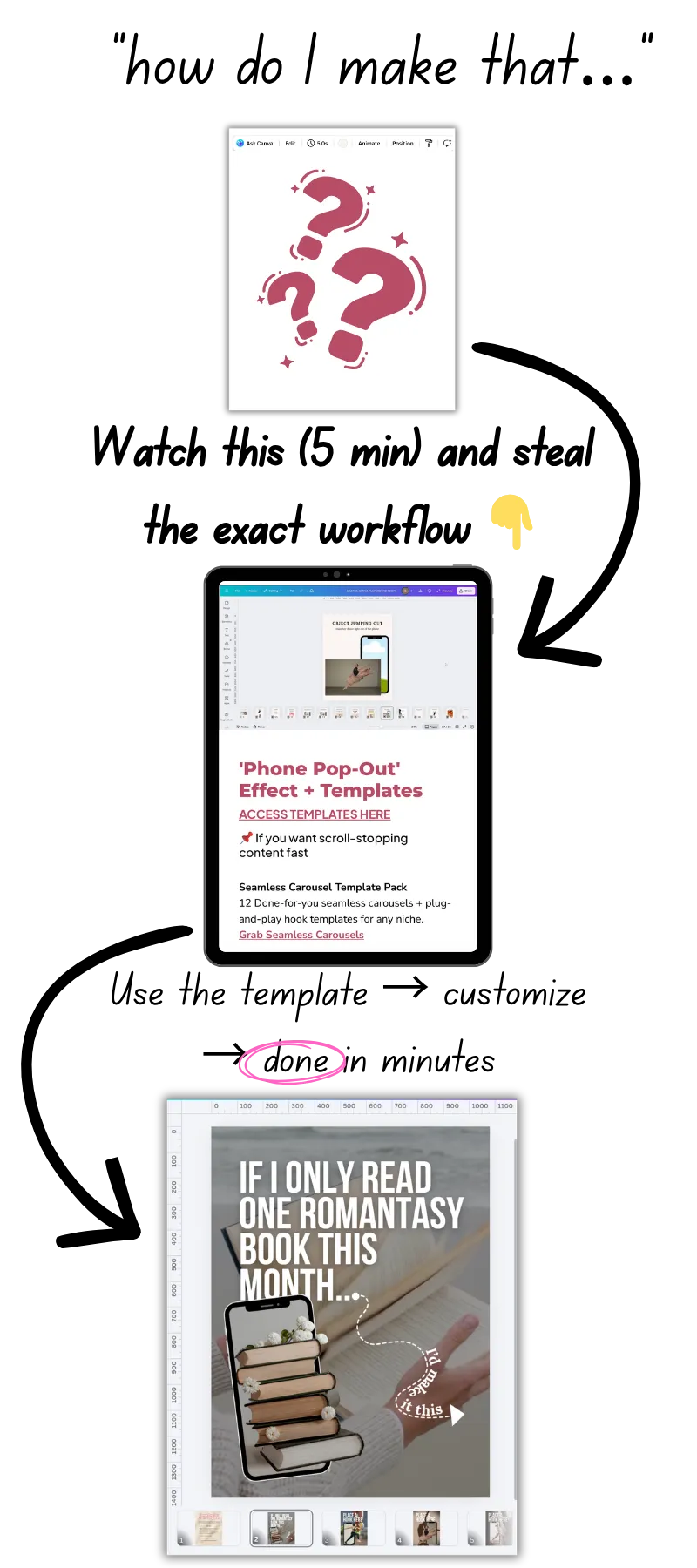
Get instant access and create your first design in minutes.
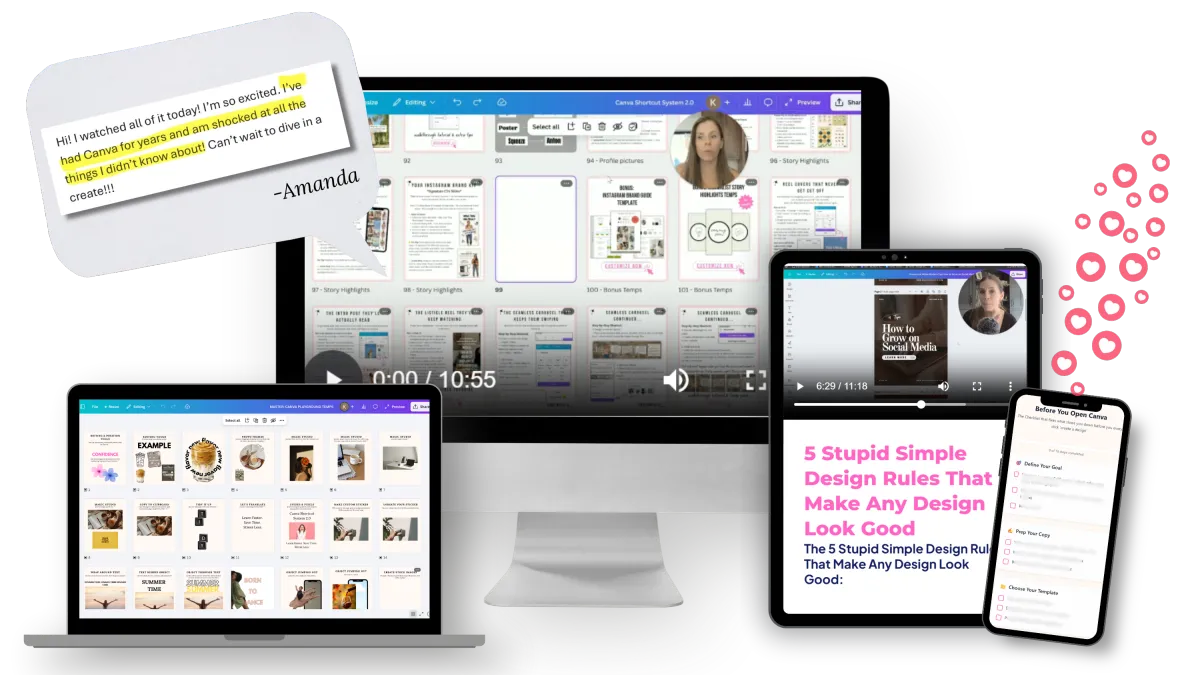
If you open Canva and don’t know what to click first or it just takes way too long, focus on the The "Create Faster" Workflow .
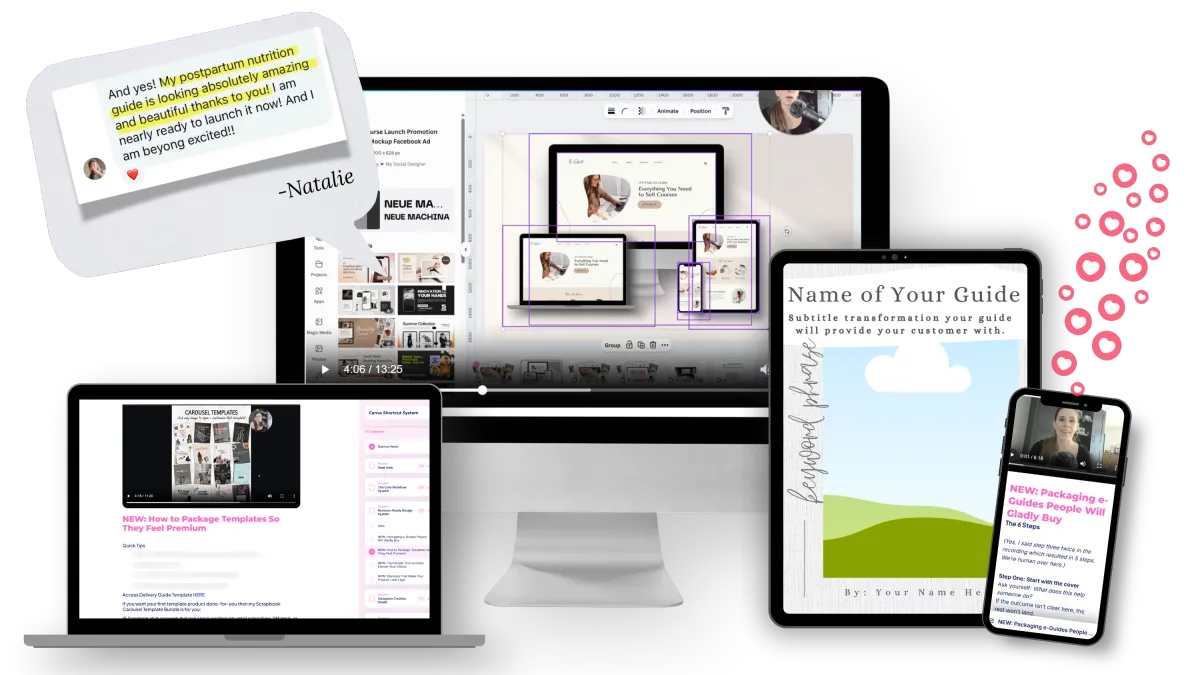
If you want to launch a digital product but feel lost putting it together, focus on the The "Make it Sell" Setup.
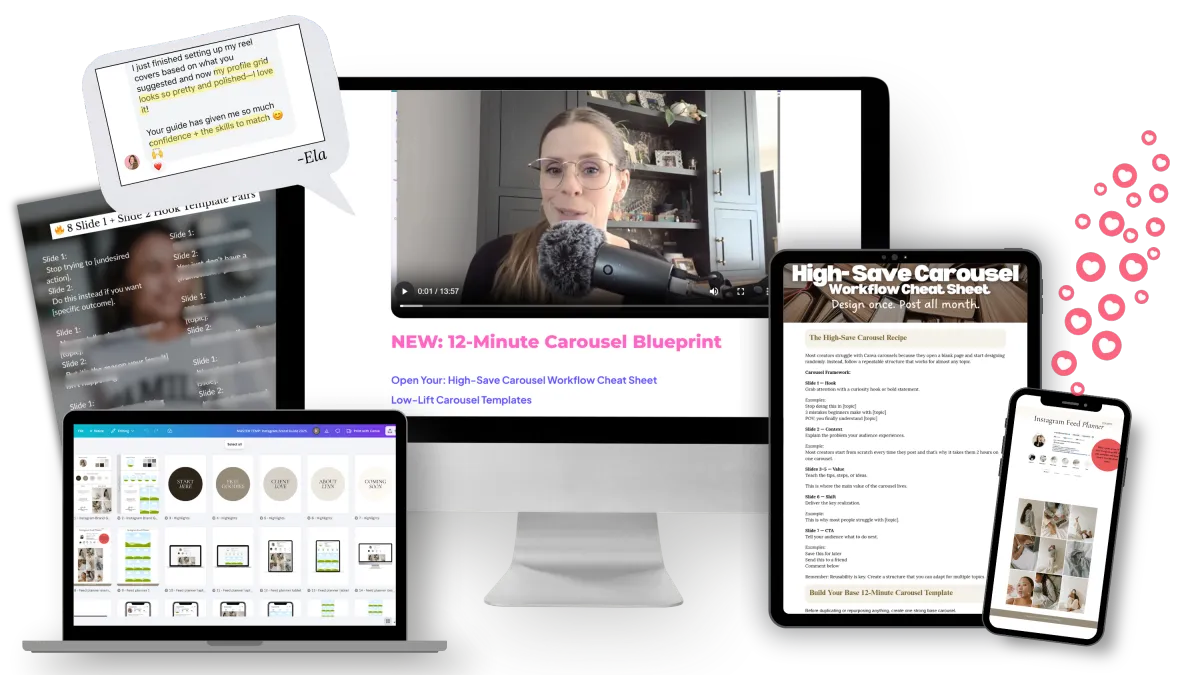
If carousels take you all afternoon, focus on the Instagram Creation Studio.
If you want to create viral-style designs in minutes (not hours), focus on these 8 Viral Canva Hacks.
CSS Is Basically…
4 Focused Canva Shortcuts. Less Than $10 Each.
This isn’t one big overwhelming course; each video is 15 minutes or less and you can finish in less time than your next Netflix binge.
At this point, you don't need more tutorials...
you need a system that tells you exactly what to do when you open Canva.
What's Included?
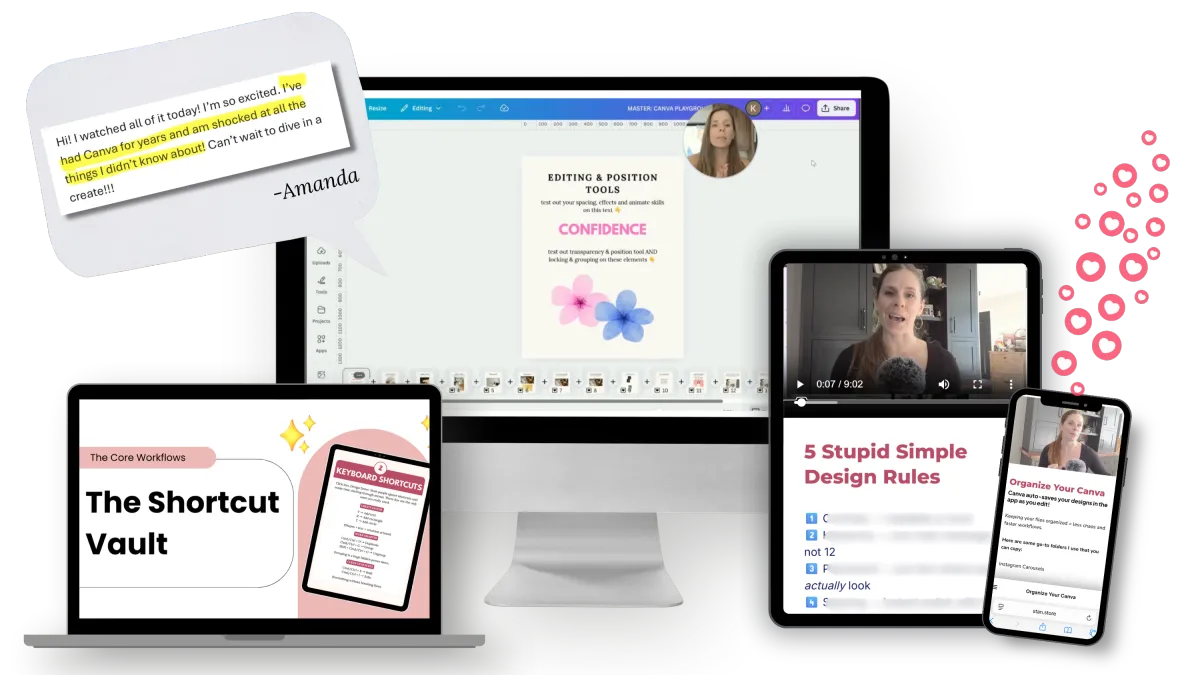
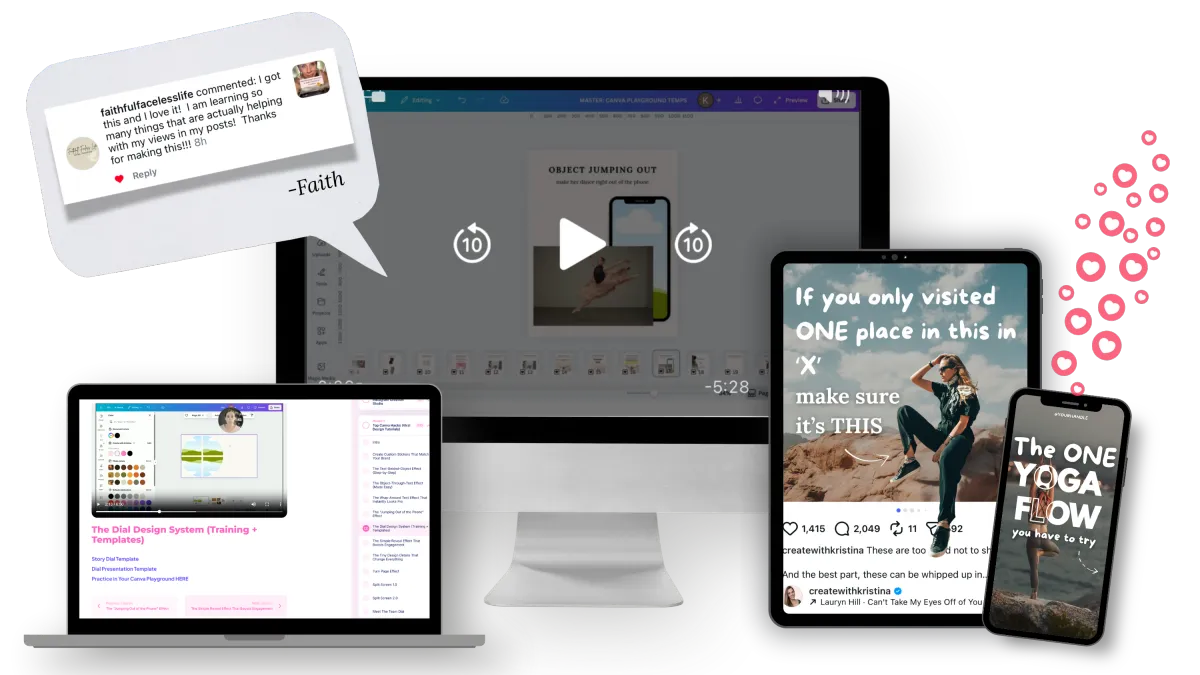
The "Create Faster" Workflow — $97 $9.25
The essential Canva skills you actually need — plus the shortcuts I use daily to cut my design time in half.
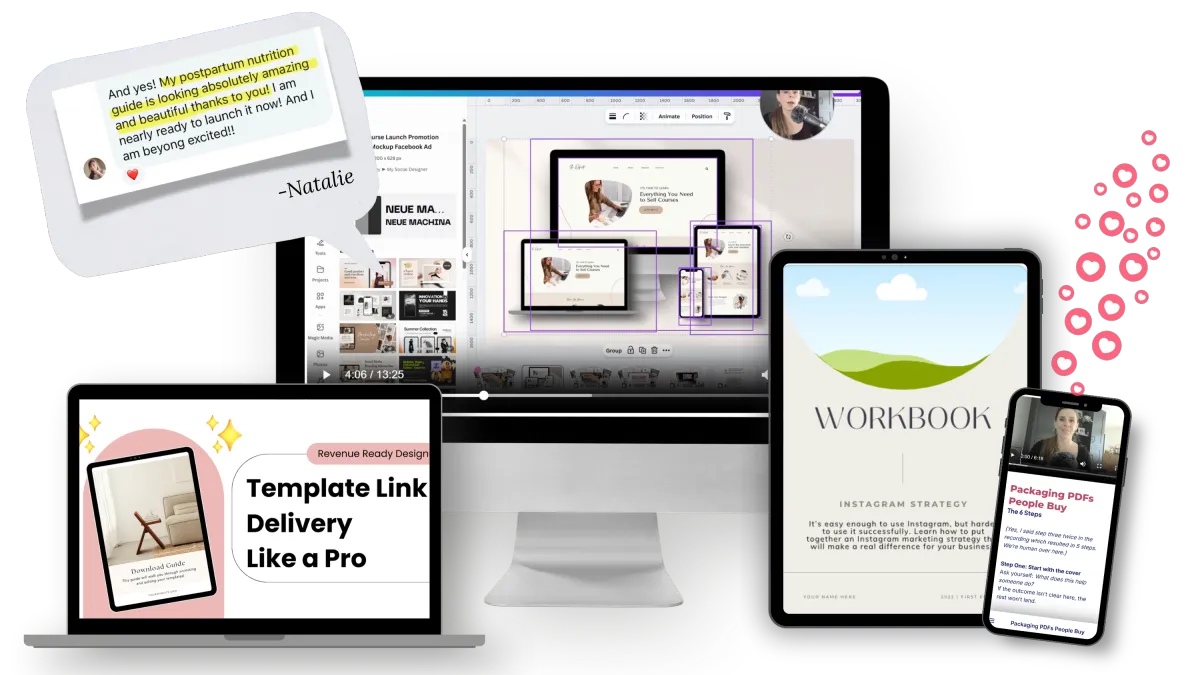
The "Make it Sell" Setup — $67 $9.25
How to build e-guides, template delivery guides, mockups, and thumbnails without piecing it together for hours.
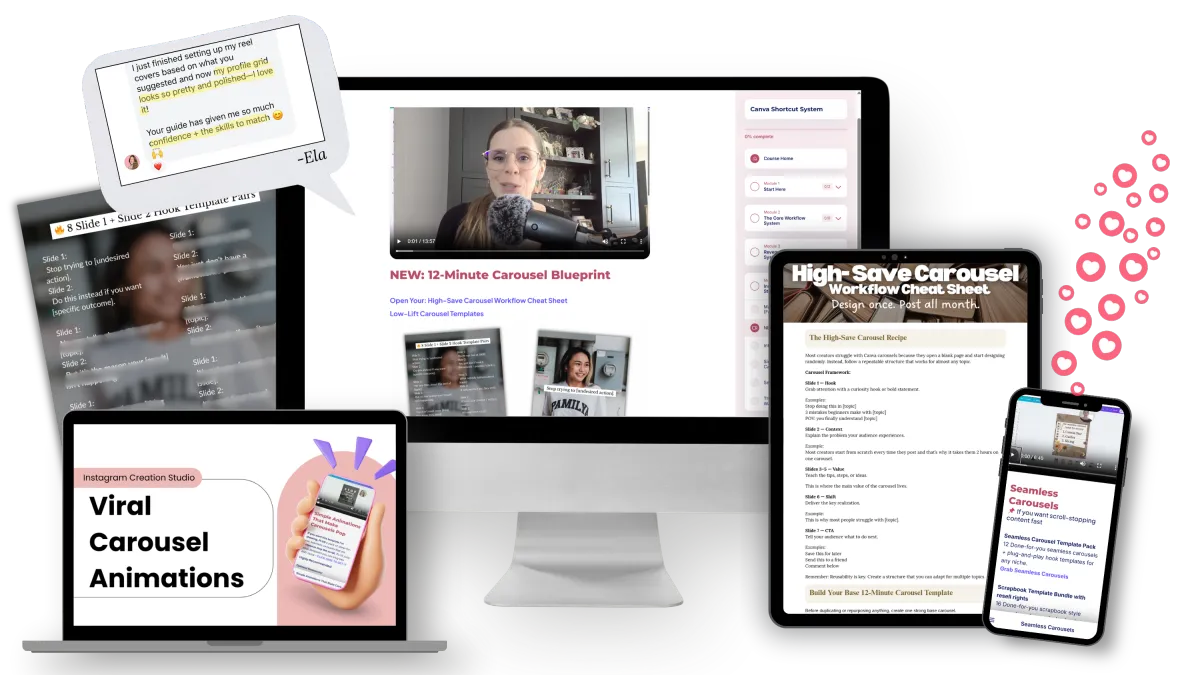
Instagram Creation Studio — $97 $9.25
You’ll walk away knowing how to create a feed that doesn’t scream “slapped together" and exactly how to build 3 types of carousels the algorithm (and actual humans) love.
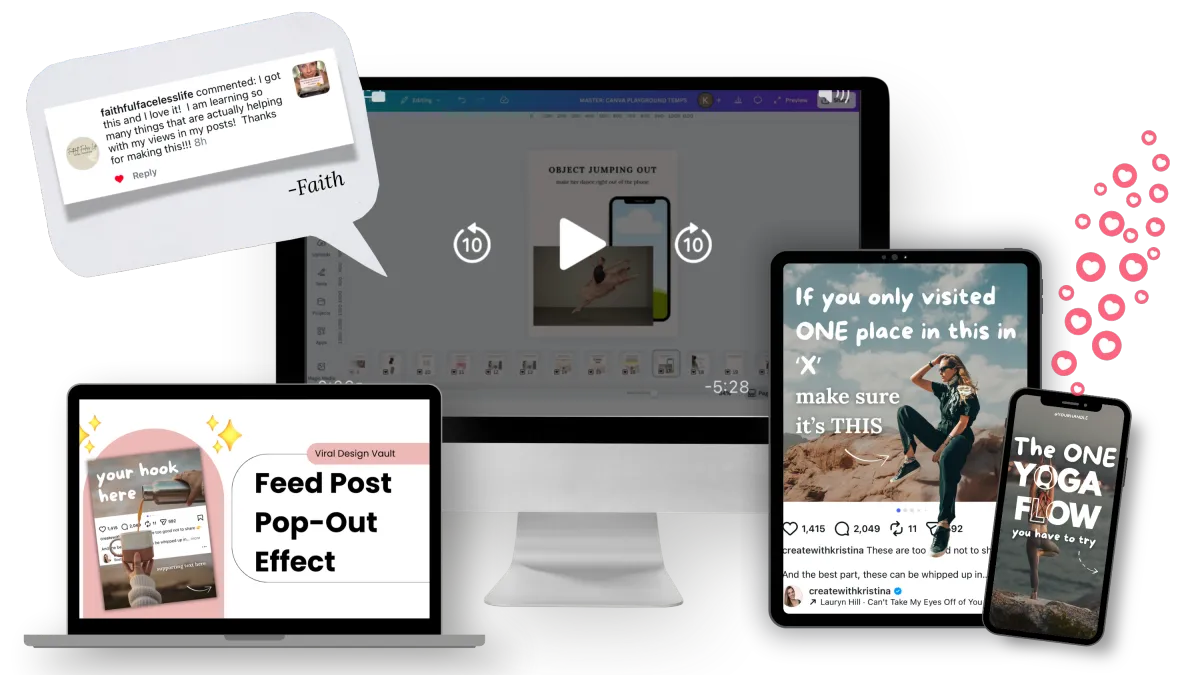
Viral Design Tutorials — $47 $9.25
The exact carousel design styles you've already saved - broken down into simple, step-by-step recreations you can follow in minutes. Use the included designs to skip starting from scratch.
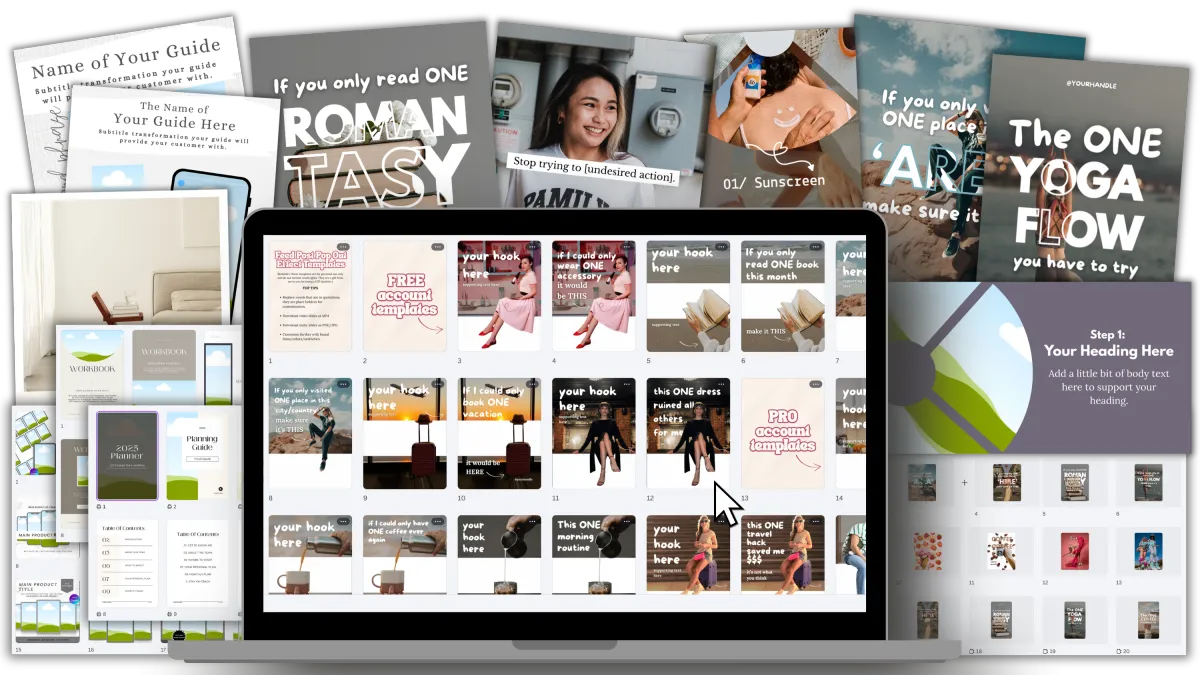
200+ Ready-to-Use Designs — $67 →$0
Viral carousel designs, PDFs (e-guide, workbook, planner, delivery guide) and mockups you can reuse instantly — just open, swap and go
🎁 BONUSES — You also get:
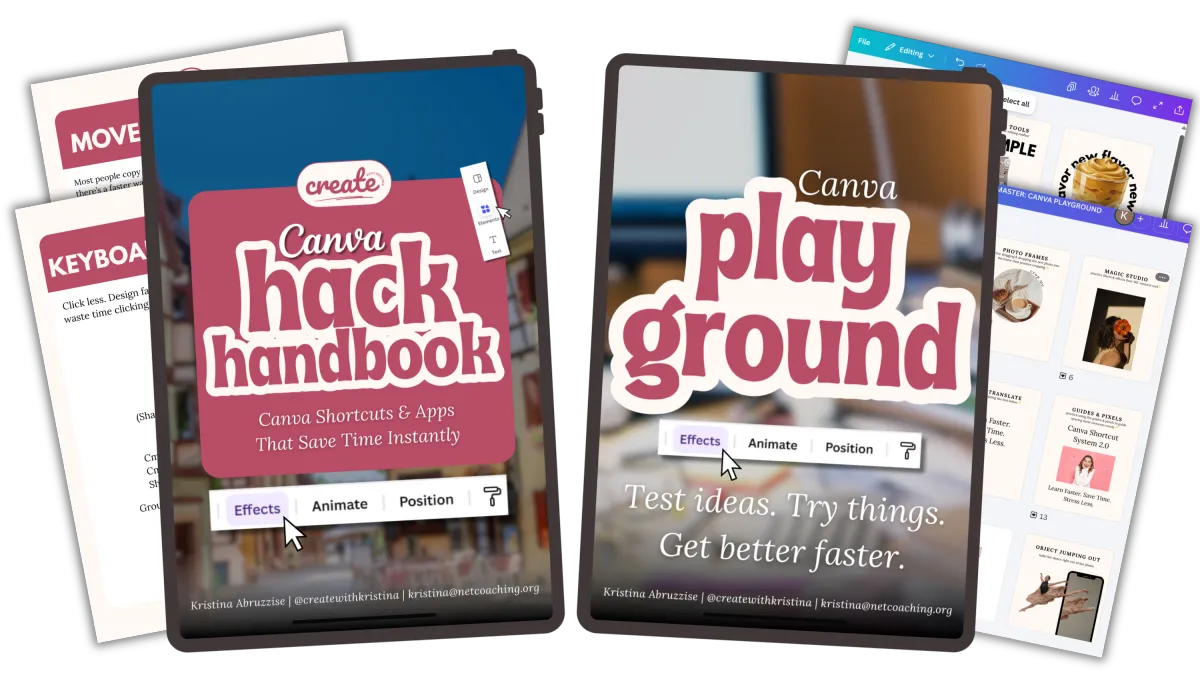
Back Pocket Hack Handbook —
$17$0PDF with quick Canva shortcuts so you never google again.
Canva Playground —
$7→$0A no-pressure space to practice and build speed fast.
If you had to piece this together yourself, you'd easily spend $300+ on courses, templates and trial and error
TOTAL VALUE $300+
TODAY PRICE $37
Price will increase as more tutorials and templates are added.
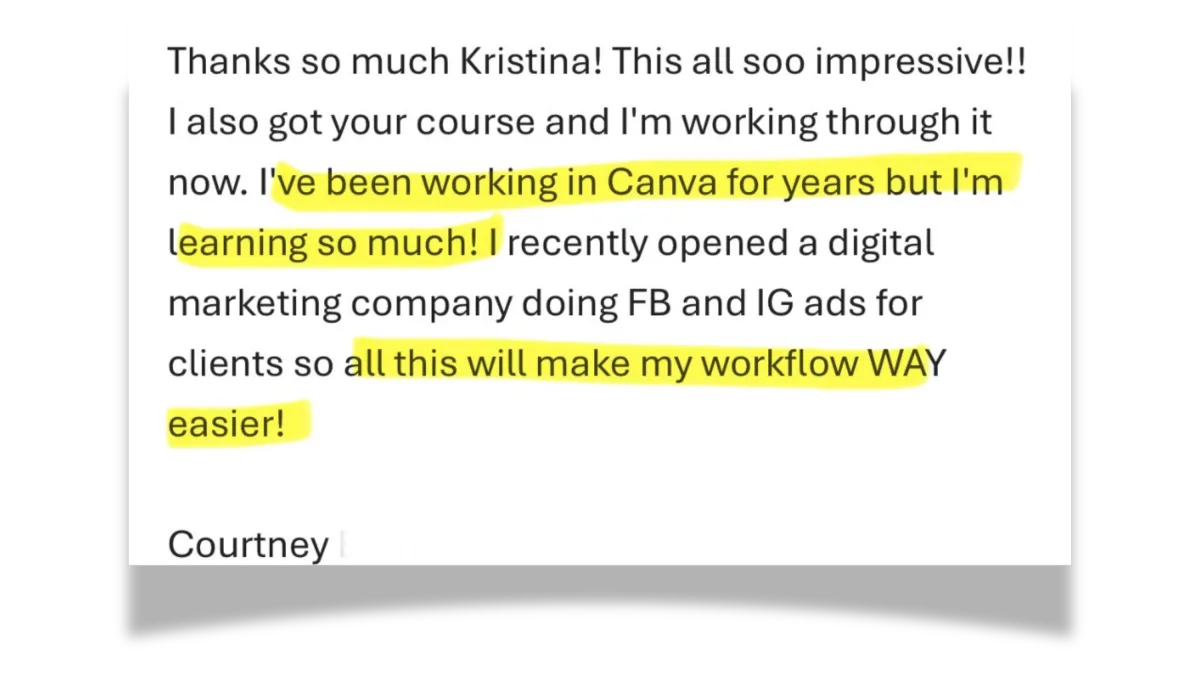
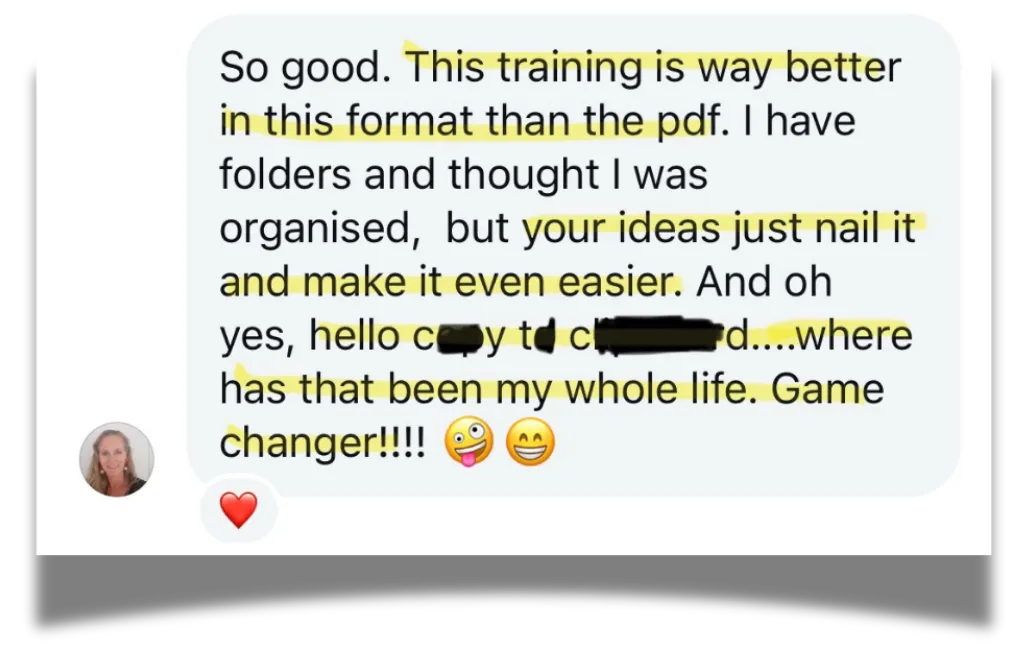
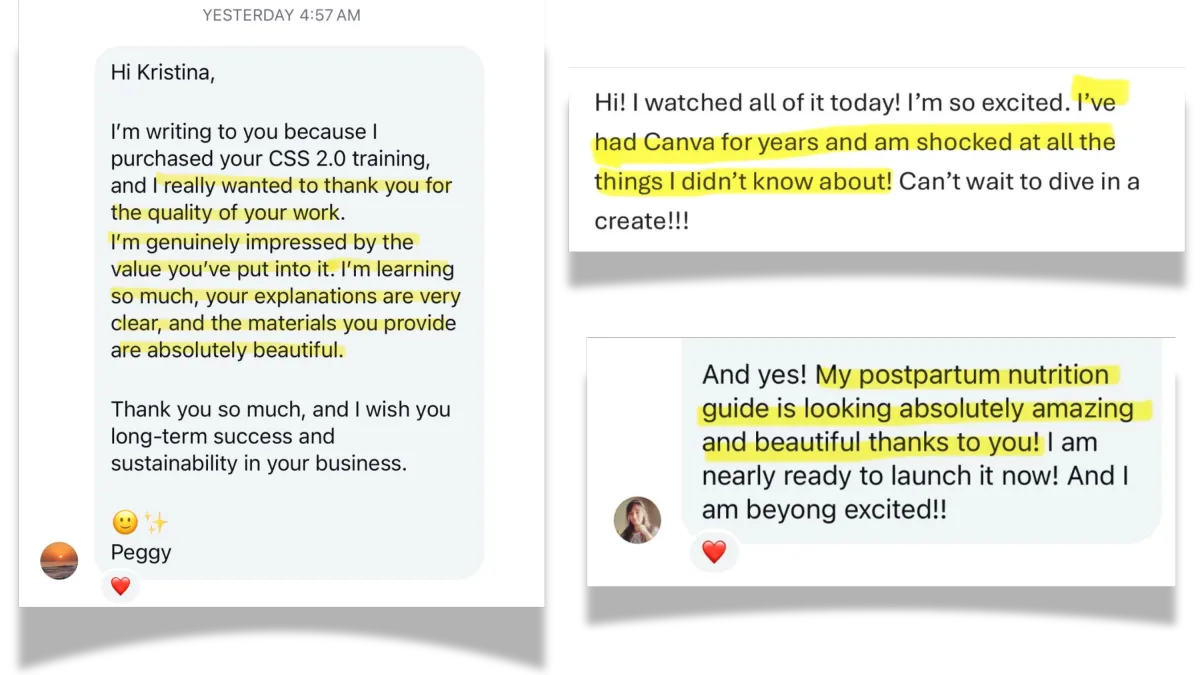
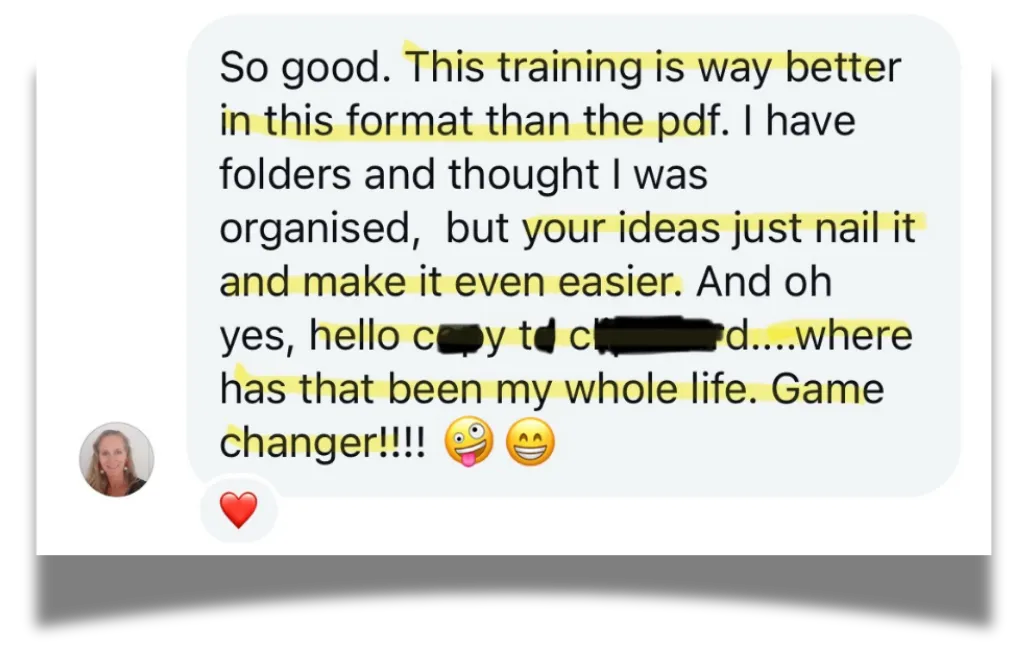
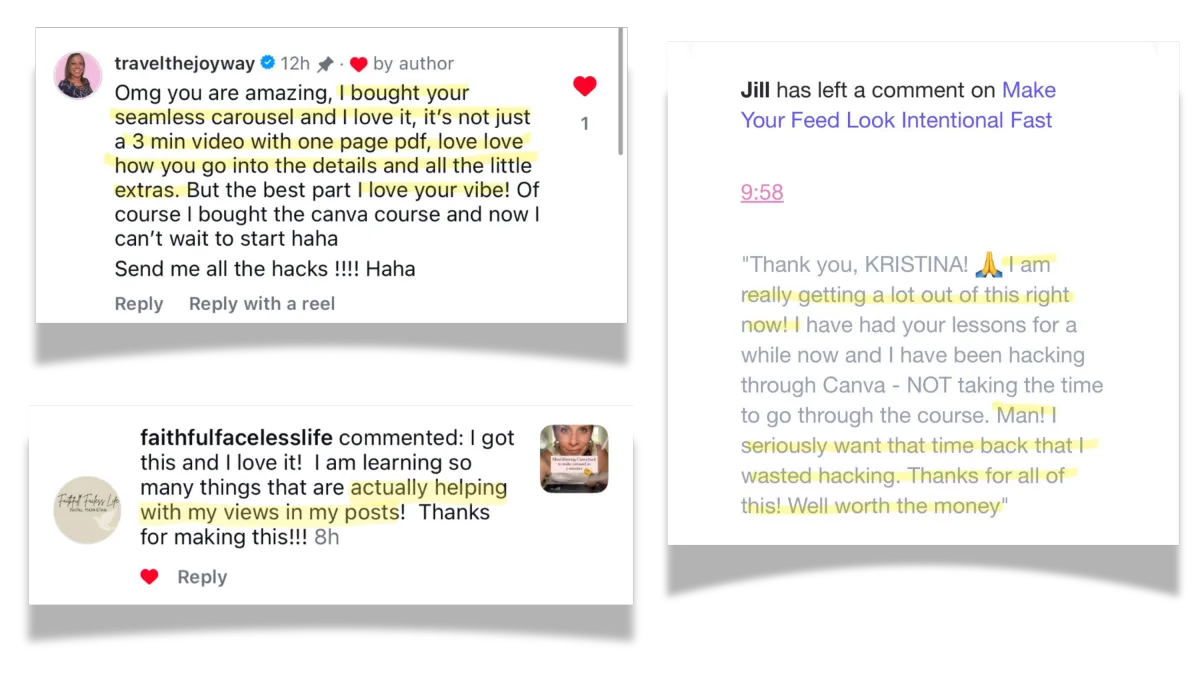
100s of students LOVE this Canva bundle!
Here's what a few have to say 👇
Frequently Asked Questions
How fast can I finish the first win?
Each lesson is short. Most under 15 minutes. You can finish a full system in a weekend.
Is this beginner-friendly?
Yes. This was built for beginners & creators who feel stuck, overwhelmed, or slow inside Canva. You’ll know exactly what to click and why.
Do I need Canva Pro?
No — but I’ll show you how to maximize both free and Pro features.
Is this Instagram-only?
Can be used for other platforms, but optimized for IG